


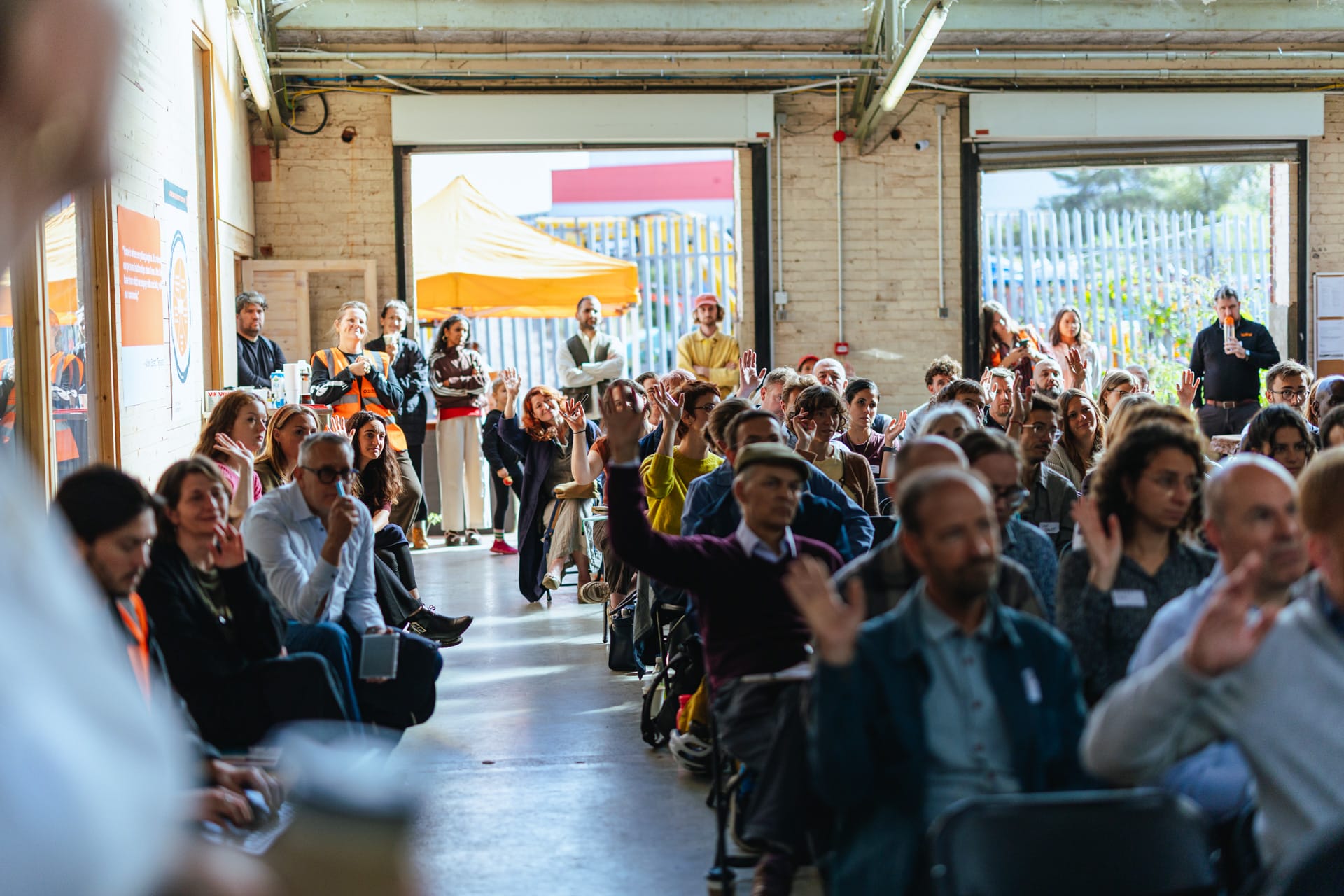
When we began planning our first in-person event, we wanted the day to feel different. We draw our strength from our network, and we wanted people to feel part of that collective when they walked into the room.
That meant bringing together people from across the retrofit sector, including those with lived experience of the issues we were discussing. It also meant thinking about what might prevent someone from joining us in the first place.
We created a Community Access Fund to help cover costs such as travel for people who might otherwise be unable to attend. This was particularly important for individuals and community organisations whose contribution often depends on volunteers giving their time. Their experience needs to be in the room, and attending should not leave them out of pocket. We plan to continue the fund so that people can take part in our future events and events we attend elsewhere.
Physical accessibility mattered too. We checked access and facilities at the venue to help people attend comfortably, including level access. We also considered how people would get there, choosing a venue accessible by public transport.
We also wanted to host people warmly. We invited a local barista to offer everyone a freshly made drink, and kept energy levels up with sweet treats and fruit, alongside plenty of fresh water. Our team and our partners Zetteler wore our custom-printed high-vis jackets, so people knew who to turn to for help. These details helped people feel welcome and supported throughout the day.
We arranged BSL interpreters for the Summit. This was our first experience of organising interpretation for an event, and we learnt a great deal from the interpreters and our attendees. We’re grateful to everyone who helped us prepare and shared feedback afterwards.
Watching the interpreters work was extraordinary. Speakers can move quickly through specialist language, yet the interpreters kept pace so that BSL users could follow the discussion. It also brought home how much preparation that work requires. Interpretation demands sustained concentration, so interpreters need to work together and rotate during a full day.
The interpreters told us how much difference it makes to receive material from presenters in advance. We shared what we could, but next time we’ll give our presenters more time to provide slides and speaking notes. It also helps to work with interpreters who know the sector and understand the context behind its terminology.
BSL interpretation is only one part of making an event accessible to deaf people. Some attendees rely on captions. One of our attendees kindly sent instructions for switching on live captions in PowerPoint, and it was surprising how straightforward it was. It’s something we’ll use much more often.
We also learnt to check the internet connection in every room where live captions will be needed. The connection in our second afternoon space was weaker than expected, even with a booster provided by the venue. That is now firmly on the list for future events.
Feedback from one attendee helped us think about the experience beyond simply providing captions or interpretation. They explained how much difference it makes to have information in the same field of vision. Looking between slides and captions, or slides and an interpreter, takes more effort than we had appreciated. Placing captions at the top of the screen can make them easier to read alongside the presentation. They also valued the well-timed breaks and direct access to outside space. With less background noise, conversations between sessions felt more comfortable and less tiring.
We also invested in a videographer so that people who could not attend in person can catch up with the recorded sessions. Those recordings will give all of us the chance to revisit the content and spend more time with the ideas shared on the day (these will all be shared in November).
We wanted people at the Summit to feel that they belonged in the conversation about retrofit’s future. Hearing what worked for them, and what we can improve, is how we make that intention real at the next event.
How to switch on live captions in PowerPoint: Open your presentation and go to Slide Show > Subtitle Settings to choose the spoken language, caption language and where the captions will appear. Consider placing them at the top of the screen so people can read them alongside the slides. Then select Slide Show > Always Use Subtitles. Test the microphone and internet connection in the room before the session begins. Microsoft’s instructions cover the options for different versions of PowerPoint.

